
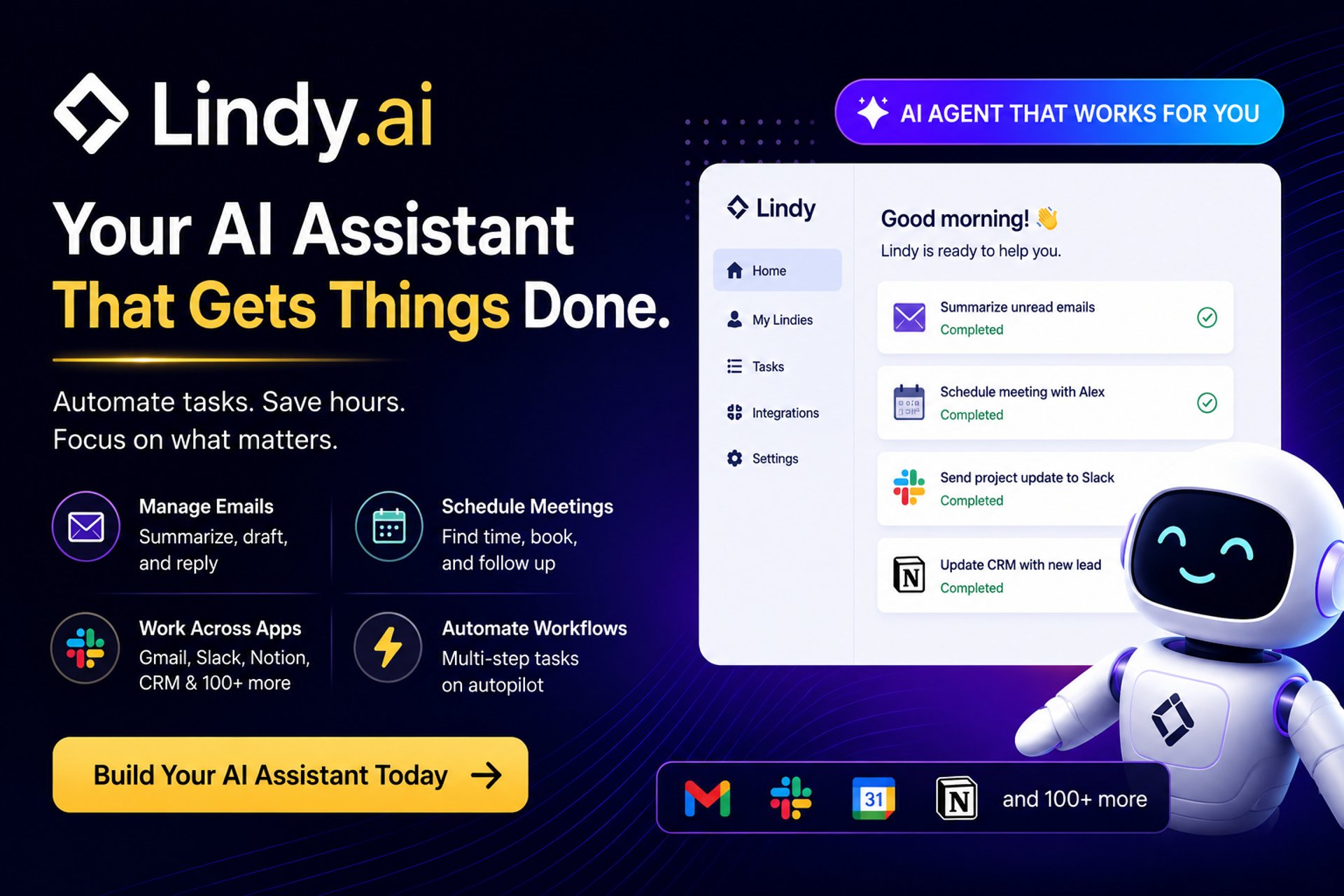
Lindy AI Review
Lindy.ai Review 2026: The AI Agent That Runs Your Workday
Lindy (Lindy.ai) is quickly becoming one of the most talked-about AI agent platforms in the productivity and automation space. Positioned as a “digital AI employee,” it helps users automate repetitive knowledge work like emails, scheduling, follow-ups, CRM updates, and more—without requiring coding skills.
But is it actually worth it in 2026? Let’s break it down.
What is Lindy.ai?
Lindy.ai is an AI agent platform that lets you build autonomous “AI assistants” that can perform real tasks across your apps and workflows.
Instead of just generating text like a chatbot, Lindy’s agents can:
Read and respond to emails
Schedule meetings and manage calendars
Update CRMs and databases
Send follow-ups and reminders
Execute multi-step workflows across tools
In simple terms, Lindy is designed to act like a personal AI executive assistant that actually does the work for you rather than just suggesting actions.
It connects with major tools like Gmail, Google Calendar, Slack, Notion, and hundreds of others, allowing it to operate across your digital workspace.
Key Features of Lindy
1. Autonomous AI Agents
Lindy lets you build AI “workers” that can independently complete tasks, not just respond to prompts. These agents can make decisions based on context and past interactions.
2. Email & Inbox Management
Prioritizes important emails
Drafts replies in your writing style
Summarizes inbox activity
Sends suggested responses for approval
3. Meeting & Calendar Automation
Schedules meetings automatically
Suggests time slots based on availability
Sends follow-ups and summaries
4. Multi-App Integrations
Lindy connects with thousands of tools including:
Google Workspace
Slack
Notion
CRMs and support platforms
5. Natural Language Workflow Creation
Instead of building complex automation flows, you simply describe what you want in plain English, and Lindy builds the agent logic for you.
6. Memory & Context Awareness
Lindy agents learn your preferences over time and improve responses based on your behavior and corrections.
Who is Lindy Best For?
Lindy is best suited for:
Entrepreneurs & founders who want to automate admin work
Sales teams managing leads, follow-ups, and CRM updates
Executives & professionals drowning in email and scheduling
Customer support teams handling repetitive queries
Operations teams managing workflows across tools
It is especially useful for people who spend significant time in email, calendars, and communication-heavy workflows.
Benefits of Lindy
✔ Saves Time (Significantly)
Users commonly report saving multiple hours per week by automating repetitive tasks.
✔ No-Code Setup
You don’t need technical skills—agents are created using natural language instructions.
✔ Works Across Your Existing Tools
No need to switch platforms; Lindy integrates into your existing workflow stack.
✔ Learns Your Style
Responses and actions gradually adapt to your tone, preferences, and habits.
✔ Always-On AI Assistant
Lindy works in the background 24/7, handling tasks even when you're offline.
Real-World Applications of Lindy
Here’s how people actually use Lindy in practice:
📧 Email Automation
Auto-replies to common inquiries
Filters spam vs. high-priority messages
Drafts personalized responses
📅 Scheduling Assistant
Coordinates meetings across teams
Handles back-and-forth scheduling
Sends confirmations and reminders
💼 Sales Automation
Follows up with leads automatically
Updates CRM entries
Generates outreach emails
🧠 Meeting Intelligence
Summarizes meetings
Extracts action items
Sends follow-up emails automatically
🛠 Customer Support
Handles first-line support queries
Escalates complex issues to humans
Logs tickets into support systems
Final Verdict
Lindy.ai is one of the strongest AI agent platforms for non-technical users who want real automation—not just AI chat.
It stands out because it:
Combines automation + decision-making
Requires no coding
Works directly inside your communication tools
Feels more like a “digital employee” than software
However, it’s not perfect. Advanced automation users may find it less flexible than tools like Zapier or n8n for complex system-wide workflows.
⭐ Overall Rating: 9.5/10
Best for: productivity, inbox automation, scheduling, lightweight business workflows
Not ideal for: deep technical automation architectures or highly custom backend systems
FAQ: Lindy.ai
1. Is Lindy.ai free?
Yes, Lindy offers a free tier, but more advanced automation requires a paid plan.
2. Does Lindy replace tools like Zapier?
Not exactly. Lindy focuses more on AI decision-making and assistant-style automation, while Zapier focuses on rule-based workflows.
3. Is Lindy safe to use with email and calendar?
Yes, but it requires permissions to access your connected apps like Gmail and Google Calendar.
4. Do I need coding skills to use Lindy?
No. Lindy is designed as a no-code platform where you describe tasks in plain English.
5. What makes Lindy different from ChatGPT?
ChatGPT gives answers. Lindy takes actions across your apps and completes real tasks.
6. Can Lindy fully replace a human assistant?
It can handle many repetitive tasks, but complex decision-making and judgment-heavy work still benefit from human oversight.
Quick Summary (SEO Insight)
Best AI Agent Tool: Lindy.ai
Best Beginner Automation Tool: Zapier
Best Visual Power Tool: Make
Best Developer/Open-Source Tool: n8n
Final Takeaway
If your focus is AI-driven automation that acts like a real assistant, Lindy leads the pack.
If you want maximum app integrations and simplicity, Zapier wins.
If you need visual control over complex workflows, Make is the strongest option.
If you want full control, customization, and self-hosting, n8n is unmatched.
Affiliate Disclosure
THE BEST AI TOOLS HUB participates in affiliate programs. This means we may earn a commission when you purchase through our links—at no extra cost to you. These commissions help us maintain and grow the platform while continuing to deliver high-quality AI content.