
Make Review 2026: The Ultimate AI-Powered Visual Automation Platform
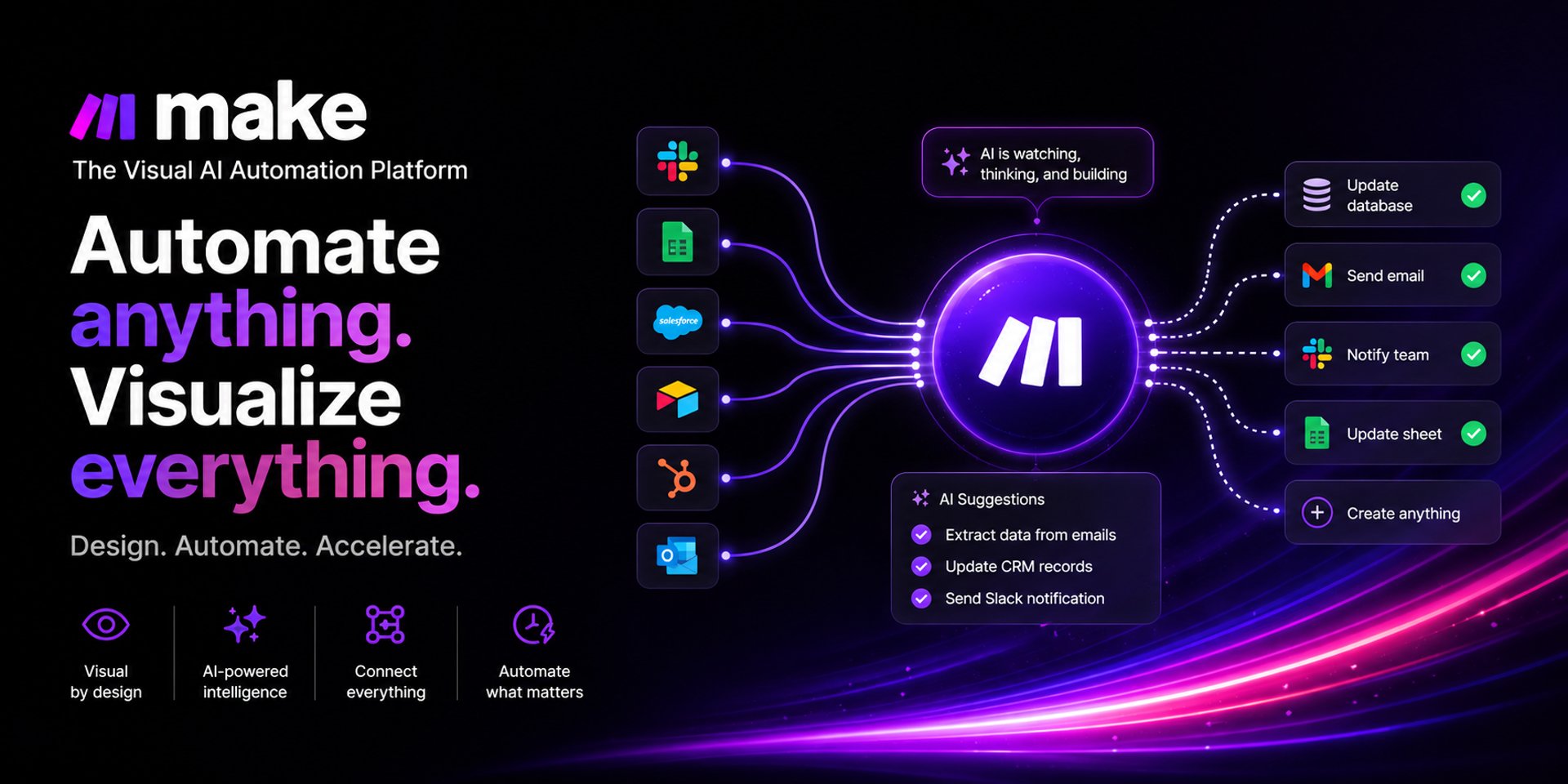
Make is a leading visual automation and integration platform that enables users to design, build, and scale workflows without coding. Formerly known as Integromat, Make has evolved into a powerful AI-enhanced automation ecosystem that connects thousands of apps and services into seamless, intelligent workflows.
Official website: Make Official Website
This SEO-optimized review explores what Make is, its key features, benefits, use cases, pros and cons, and whether it is worth using in 2026.
What is Make?
Make is a no-code/low-code visual automation platform that allows users to create automated workflows called “scenarios.” These scenarios connect apps, APIs, and databases so that tasks run automatically without manual input.
Instead of writing code, users build workflows using a drag-and-drop interface, making it easier to automate complex business processes.
For example, Make can:
Automatically save Gmail attachments to cloud storage
Sync leads from Facebook Ads into a CRM
Send AI-generated email responses
Update spreadsheets from multiple data sources
Trigger multi-step workflows based on real-time events
What makes Make stand out is its ability to handle advanced logic, branching workflows, and AI integrations, making it more powerful than many traditional automation tools.
Key Features of Make
1. Visual Workflow Builder
Make offers an intuitive drag-and-drop interface that lets users visually design automation flows, making complex systems easier to understand.
2. AI-Powered Automation
Make integrates AI tools into workflows, enabling:
Content generation
Data summarization
Smart decision-making within scenarios
AI-triggered actions across apps
3. Multi-Step Scenarios
Unlike basic automation tools, Make supports advanced workflows with unlimited steps, conditions, and branching logic.
4. Advanced Logic Tools
Make includes powerful automation components such as:
Filters (conditional execution)
Routers (workflow branching)
Iterators (looping through data sets)
Aggregators (combining data outputs)
5. Extensive App Integrations
Make connects with thousands of apps including:
Google Workspace
Slack
Airtable
HubSpot
Shopify
Notion
OpenAI and other AI APIs
6. Real-Time & Scheduled Automation
Workflows can run instantly, on a schedule, or based on triggers like new emails, form submissions, or API events.
7. API & Webhook Connectivity
Advanced users can connect custom systems using APIs and webhooks for fully customized automation.
8. Error Handling & Monitoring
Built-in logging, error tracking, and scenario replay tools help ensure workflows run reliably.
Benefits of Using Make
Using Make provides significant advantages for individuals and businesses:
🚀 Increased Productivity
Automates repetitive tasks so teams can focus on higher-value work.
💰 Cost Savings
Reduces the need for manual labor or custom-built software integrations.
🧠 Smarter Workflows with AI
AI integration allows automation to become intelligent, not just mechanical.
⚙️ Highly Customizable Automation
Supports complex workflows that most no-code tools cannot handle.
📈 Scalable for Growth
Works for freelancers, startups, and enterprise-level operations.
🔄 Better Data Flow Between Apps
Ensures seamless syncing between multiple platforms and tools.
Who is Make Meant For?
Make is designed for a wide range of users, especially those who need powerful automation capabilities:
👩💼 Business Owners & Entrepreneurs
To automate operations, marketing, and customer workflows.
📊 Marketing Teams
For lead generation, email automation, ad tracking, and CRM syncing.
🛒 E-commerce Businesses
To automate order processing, inventory updates, and customer notifications.
🧑💻 Developers & Technical Users
Who want API-level control without building everything from scratch.
🏢 Agencies & Freelancers
Managing multiple client automation systems efficiently.
While Make is beginner-friendly at a basic level, its real power is unlocked by users willing to learn advanced workflow logic.
Pros and Cons of Make
👍 Pros
Extremely powerful automation capabilities
Visual workflow builder simplifies complex processes
Strong AI integration support
Thousands of app integrations
Highly scalable for business growth
Supports advanced logic (routers, filters, iterators)
Cost-effective compared to custom development
👎 Cons
Steeper learning curve than simpler tools like Zapier
Interface can feel overwhelming for beginners
Debugging complex workflows can take time
Requires planning for large automation systems
Final Verdict: Is Make Worth It?
Make is one of the most powerful visual automation platforms available in 2026. Its combination of AI-powered features, deep workflow customization, and extensive integrations makes it ideal for users who want more than basic automation.
If you are serious about scaling your business processes, reducing manual work, and building intelligent automation systems, Make is an excellent investment.
However, beginners who only need simple “if-this-then-that” automations may find it slightly complex at first.
⭐ Final Rating:
Power Users: 9.5/10
Beginners: 7.5/10
Overall: 9/10
👉 In summary, Make is best described as a professional-grade AI automation engine wrapped in a visual builder, making it one of the most capable tools in the no-code ecosystem today.
Affiliate Disclosure
THE BEST AI TOOLS HUB participates in affiliate programs. This means we may earn a commission when you purchase through our links—at no extra cost to you. These commissions help us maintain and grow the platform while continuing to deliver high-quality AI content.